AI jewelry photography from a phone photo
Product photos are the slowest part of listing new jewelry. Here is what AI jewelry photography can do today, where it fails, and how to get studio images of your own pieces without a lightbox.
3 images free. No card. Packs from $39.
Last updated · By the KaratPhoto team
Short answer
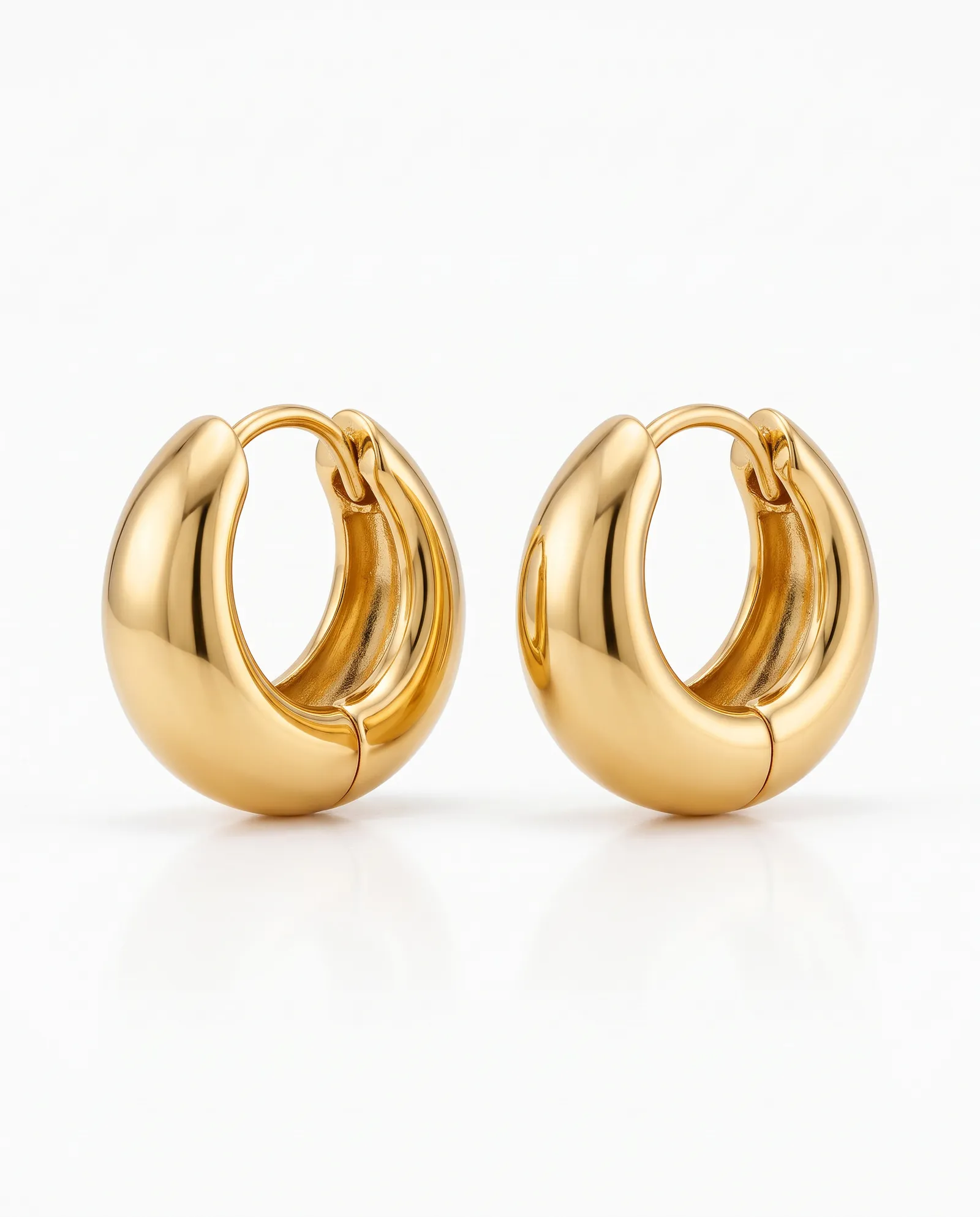
AI jewelry photography takes an ordinary photo of your piece and builds a studio scene around it. With KaratPhoto you upload one phone photo, choose the piece type and a Look, and get a finished image in a few minutes. Each image is compared with your photo for shape, stones, metal color and proportions, and images that drift from your piece are discarded.
Key facts
- You need one photo per piece: in focus, in daylight, with the piece filling a good part of the frame.
- Six Looks: Studio, Macro, Travertine Sun, Plaster, Wet Slate and Walnut.
- Works for rings, earrings, necklaces, pendants, bracelets and sets.
- 3 images free with no card, then $39 for 25 images, $119 for 100 or $490 for 500. Images never expire.
What AI jewelry photography actually does
General image generators redraw everything, including your piece. That is why so many AI jewelry images show a ring with the wrong number of stones or a chain with links that never existed. For a product photo that is a dealbreaker: the customer has to receive what they saw.
KaratPhoto works the other way round. It finds your piece in the photo first, builds the scene around it, then compares the result with your original. If the shape, stones, metal color or proportions changed, that image is thrown away and made again.
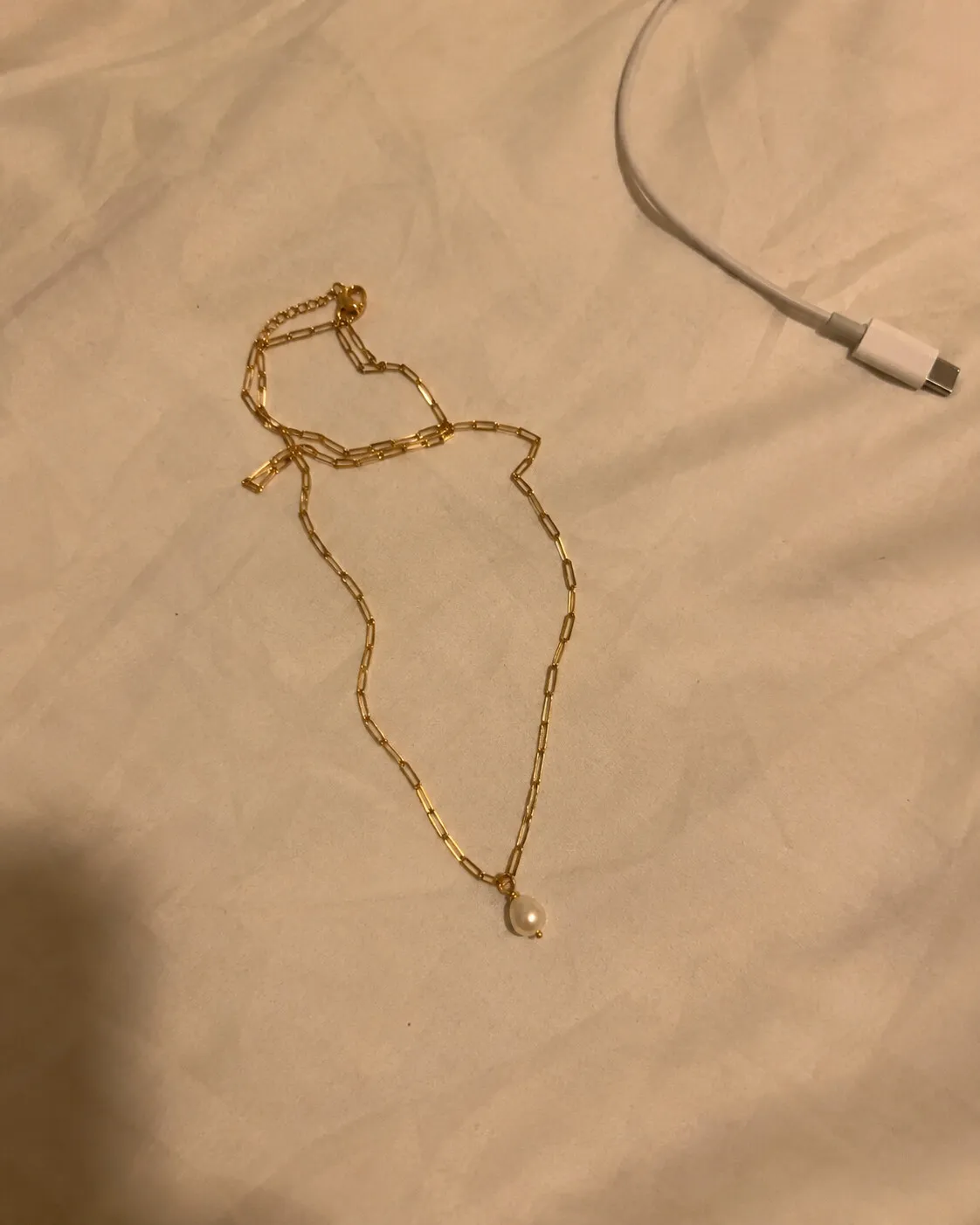
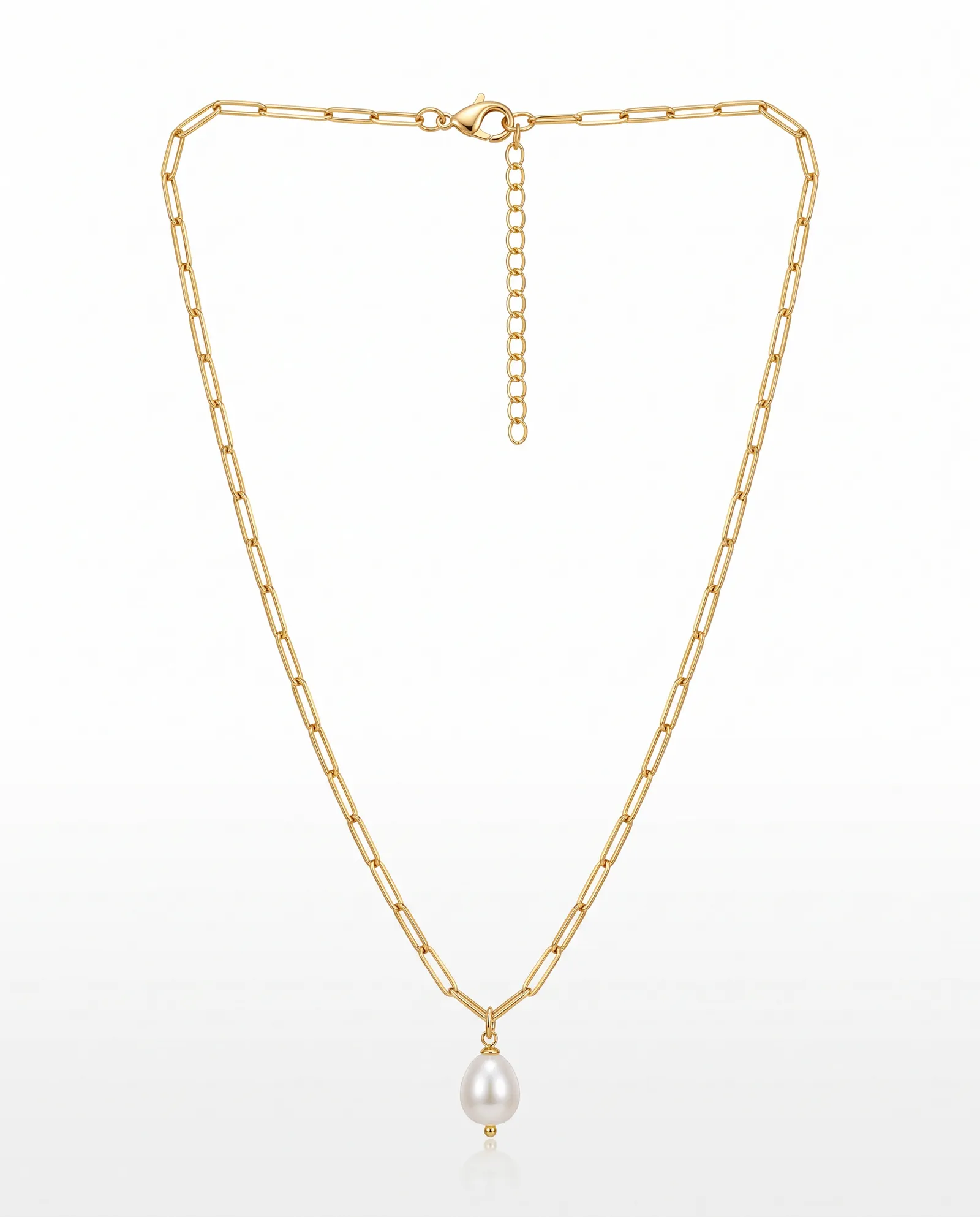
How to make your first image
- Photograph the piece on any plain surface near a window. One piece per photo.
- Upload it and pick the type: ring, earrings, necklace, pendant, bracelet or set.
- Choose a Look. Start with Studio for your main listing image.
- Download the image in the size you need: a 2000 × 2000 square, a 4:5 portrait, a 9:16 story or a 16:9 banner.
Read how to photograph jewelry with your phone if your photos come out blurry or dark. A better source photo gives a better result.
Choosing a Look
| Look | What it looks like | Use it for |
|---|---|---|
| Studio | The piece centered on a clean, light background | Your main listing image, marketplaces, catalogs |
| Macro | A close crop with dark, glossy reflections | Detail shots of stones, texture and clasps |
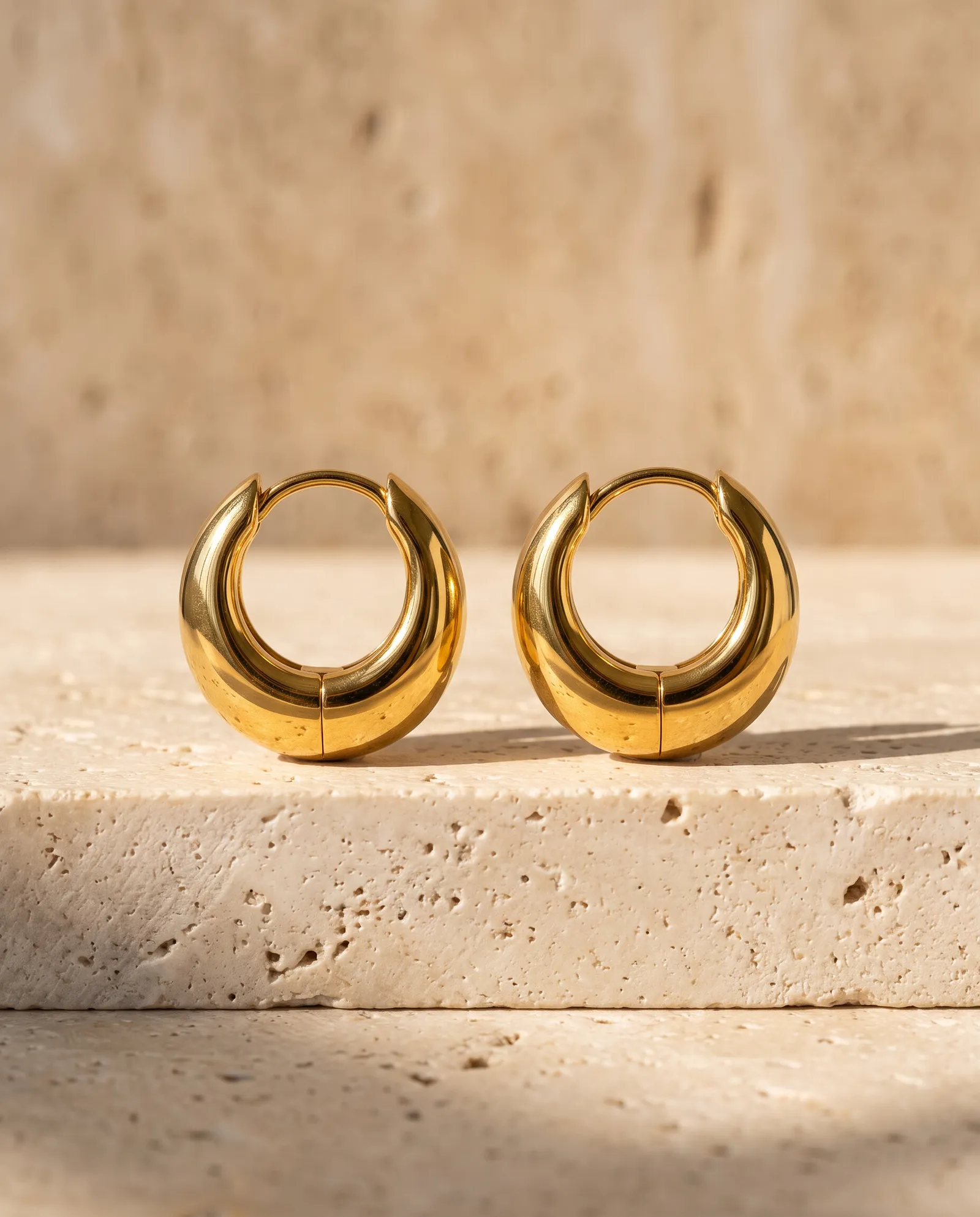
| Travertine Sun | Pale travertine stone in hard late-afternoon sun | Shopify product pages, Instagram |
| Plaster | Soft ivory plaster with a sculpted ripple | Minimal brands, pearls, fine gold |
| Wet Slate | Dark slate under a thin film of water | Silver, diamonds, statement pieces |
| Walnut | Polished dark walnut in warm evening light | Gold, emeralds, gifting campaigns |
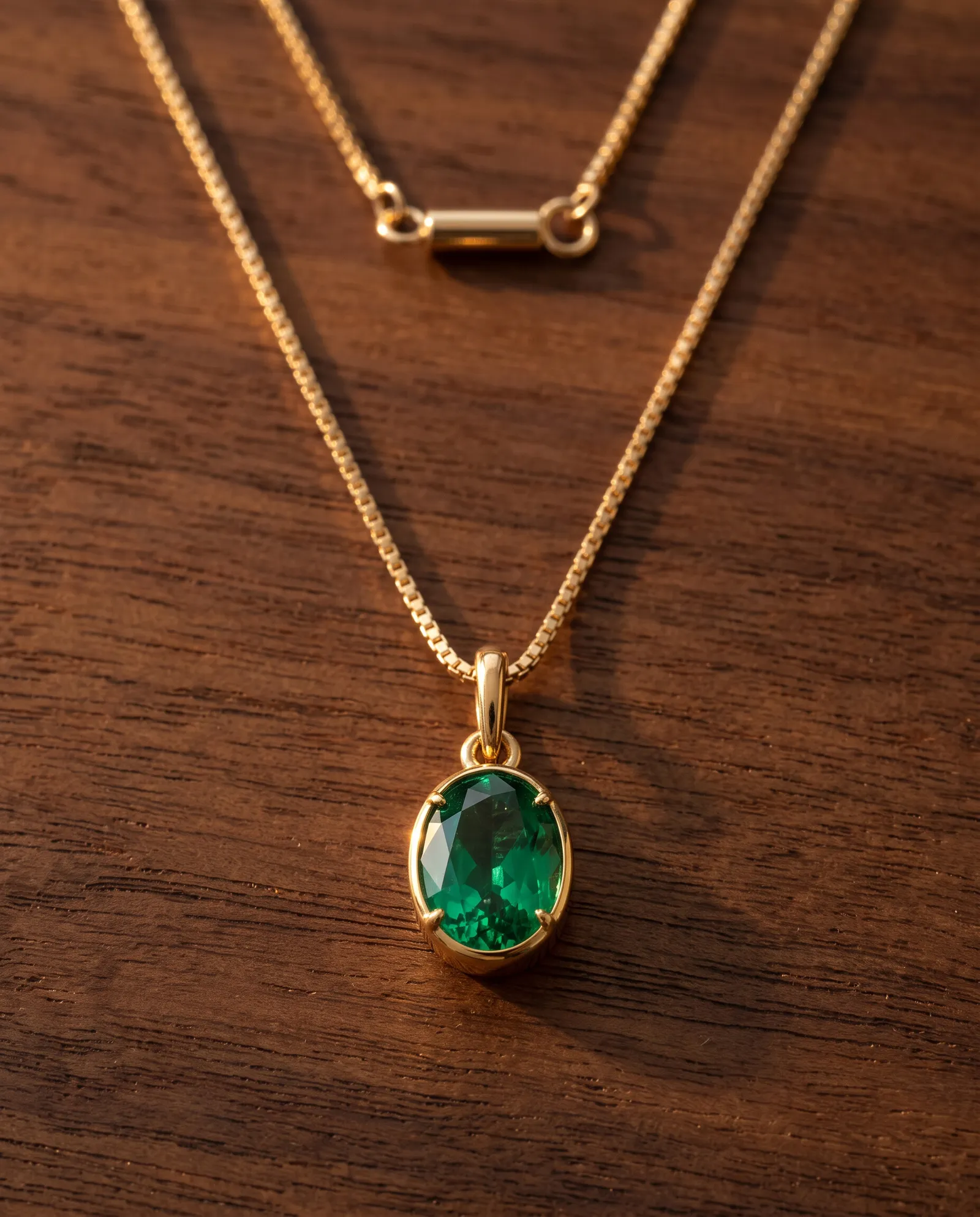
Where AI photos still fall short
Very fine detail, like engraving smaller than your photo can show, can soften. Zoom in on every image before you publish it.
Keep a real photo of the piece in each listing. Many shoppers trust a listing more when the first image is an honest product shot, and styled images work best as the second and third photos. The Etsy guide covers listing order in detail.
Last updated
Questions sellers ask
Will the jewelry look exactly like mine?
Every image is checked against your photo for shape, stones, metal color and proportions. Still life images that fail are retried, and refunded if they still don't match. Zoom in before you publish, because very fine engraving can soften.
Can I sell with these images on Etsy and Shopify?
Yes. You get full commercial use for your own products. Keep a real photo of the piece in the listing too.
Do I need a lightbox or a good camera?
No. Any recent phone works. Daylight from a window and a plain surface are enough.
How much does it cost?
3 images are free with no card. After that, $39 for 25 images, $119 for 100 or $490 for 500. One image is one piece in one Look, and images never expire.
Photograph one piece today
Upload a phone photo to KaratPhoto, studio photography for modern jewelry, pick a Look, and download images checked against your original. See pricing.