Shopify jewelry photos: size, consistency and style
On your own store, the photos are the brand. The biggest upgrade is usually consistency: every product shot at the same angle, on the same background, in the same light.
3 images free. No card. Packs from $39.
Last updated · By the KaratPhoto team
Short answer
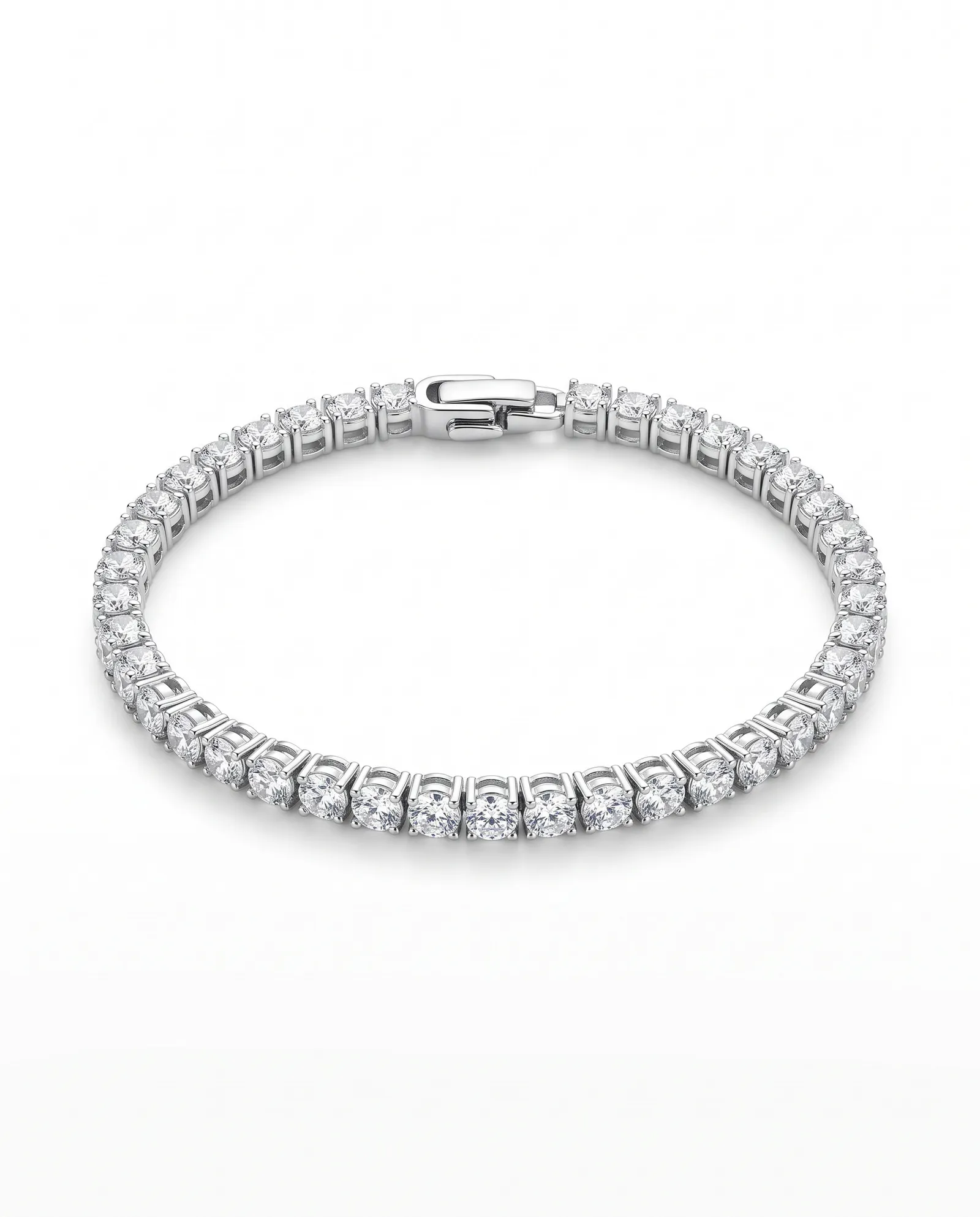
For Shopify jewelry stores, use square product images around 2048 × 2048 pixels, keep the same background and angle for every product in a collection, and add one or two styled images per product for the gallery. KaratPhoto makes a 2000 × 2000 square on a clean background and styled scenes from the same phone photo.
Key facts
- Square 2048 × 2048 is the size most Shopify themes are built around.
- Pick one main background and use it for every product, so collection grids line up.
- Use a styled Look, such as Travertine Sun or Walnut, for the second gallery image and for banners.
- Write alt text that names the piece, the metal and the stone.
Sizes
| Where | Size | KaratPhoto download |
|---|---|---|
| Product image | Square, about 2048 × 2048 | 2000 × 2000 square |
| Homepage or collection banner | Wide, 16:9 | 1920 × 1080 banner |
| Instagram post | Portrait 4:5 | 1080 × 1350 |
| Story or reel cover | 9:16 | 1080 × 1920 |
Theme requirements vary, so check Shopify's guidance on product images and your theme's documentation.
Consistency is the upgrade
Shoppers scan a collection grid in seconds. If one ring is on wood, one on white and one on a hand, the grid looks like a marketplace. Photograph every piece the same way, then run them all through the same Look.
Choosing a Look for your store
| Look | What it looks like | Use it for |
|---|---|---|
| Studio | The piece centered on a clean, light background | Your main listing image, marketplaces, catalogs |
| Macro | A close crop with dark, glossy reflections | Detail shots of stones, texture and clasps |
| Travertine Sun | Pale travertine stone in hard late-afternoon sun | Shopify product pages, Instagram |
| Plaster | Soft ivory plaster with a sculpted ripple | Minimal brands, pearls, fine gold |
| Wet Slate | Dark slate under a thin film of water | Silver, diamonds, statement pieces |
| Walnut | Polished dark walnut in warm evening light | Gold, emeralds, gifting campaigns |
Last updated
Questions sellers ask
What is the best image size for Shopify jewelry products?
Square images around 2048 × 2048 pixels work with most themes. KaratPhoto's square download is 2000 × 2000.
Should jewelry product photos have a white background?
A clean light background for the main image keeps the grid tidy. Add a styled image second to show mood and scale.
How do I make all my product photos match?
Shoot every piece with the same setup, then use the same Look for the whole collection.
Photograph one piece today
Upload a phone photo to KaratPhoto, studio photography for modern jewelry, pick a Look, and download images checked against your original. See pricing.