Etsy jewelry photos: sizes, order and what to shoot
On Etsy, your first photo decides whether a shopper clicks, and the rest decide whether they buy. Here is how to plan the photos for a jewelry listing.
3 images free. No card. Packs from $39.
Last updated · By the KaratPhoto team
Short answer
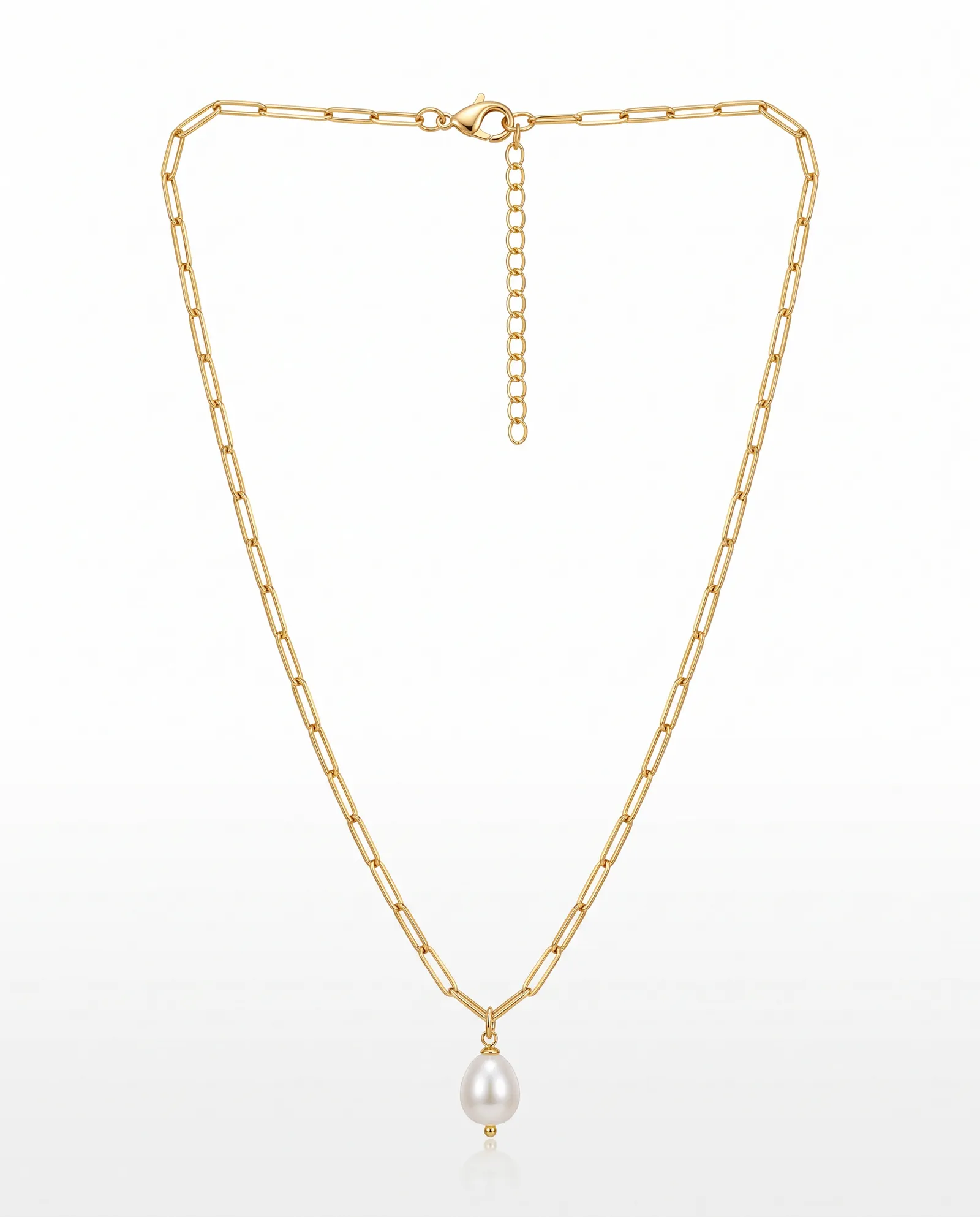
For Etsy jewelry listings, use a landscape or square first photo with the piece centered, so it survives the thumbnail crop. Etsy recommends large images, around 2000 pixels wide. Use up to 10 photos: a clean product shot first, then a detail close-up, a photo showing scale, and one or two styled images.
Key facts
- Etsy recommends that the first photo is landscape or square, with the piece in the center.
- Large images, about 2000 pixels on the shorter side, let shoppers zoom in.
- KaratPhoto's square download is 2000 × 2000.
- Keep a real photo of the piece in every listing. Use styled images as photos 2 to 5.
A photo order that works for jewelry
- A clean product shot on a light background, piece centered.
- A close-up of the detail: the stone, the clasp, the texture.
- Scale: the piece worn, or next to a coin or ruler.
- One or two styled scenes that match your brand.
- Packaging, if it's part of the gift.
Etsy's own guidance is in its help article on listing photo requirements and best practices. Check it before a big upload, because the recommendations change.
Making the clean shot and the styled shots
The Studio Look gives you the clean first image. Travertine Sun, Plaster, Wet Slate and Walnut give you styled scenes from the same phone photo, so a whole collection matches without a reshoot.
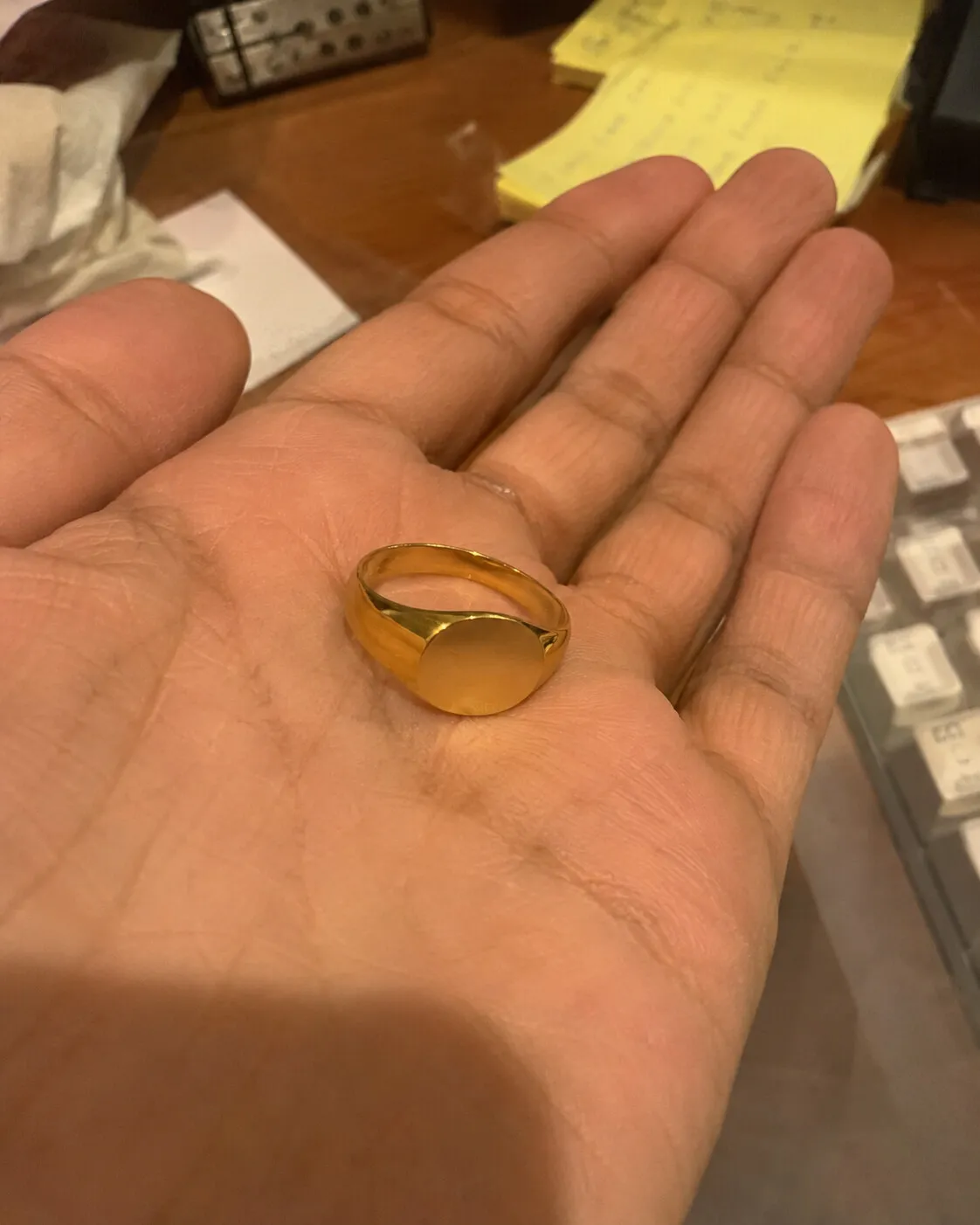
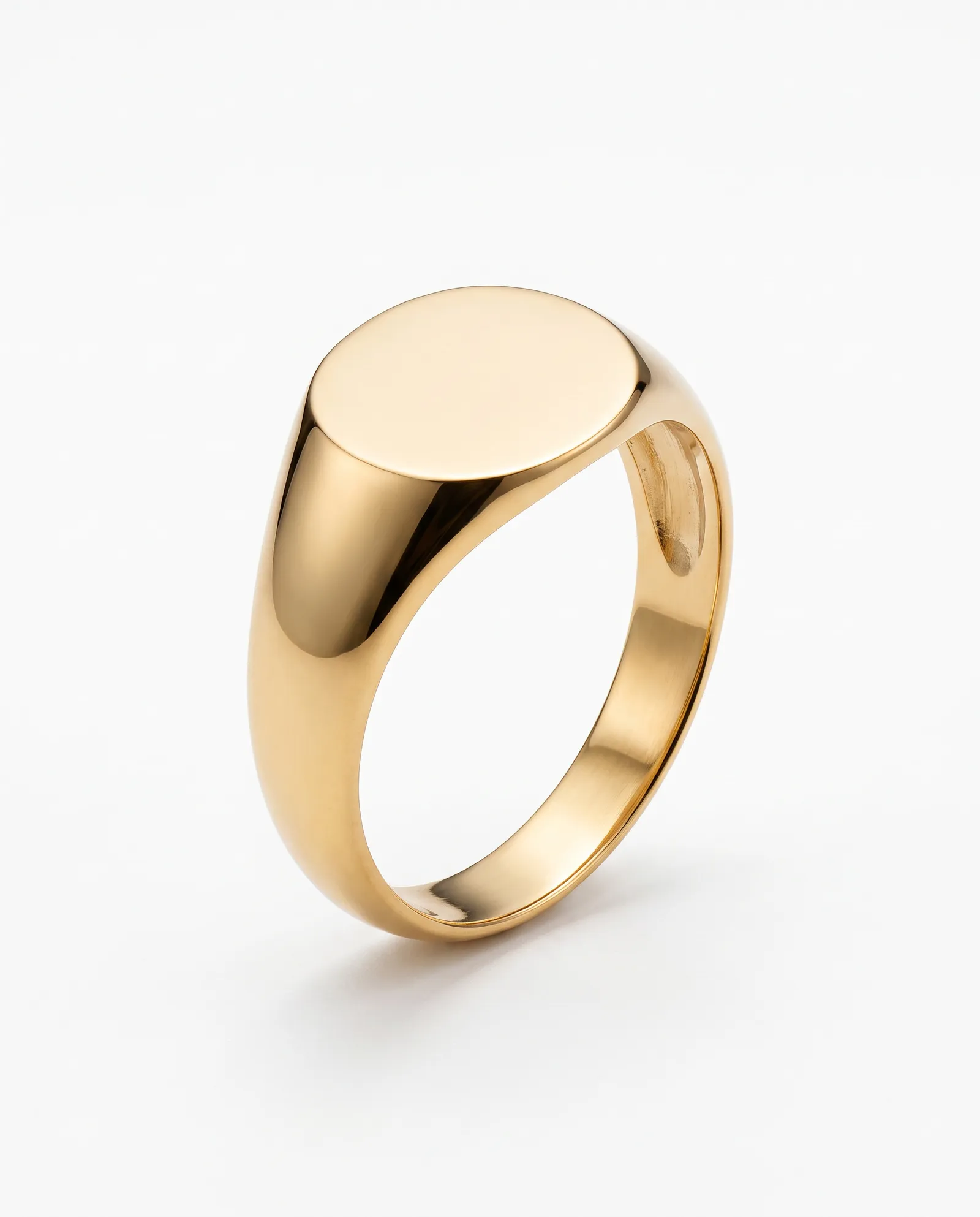
Use the same Look for every piece in a collection. A shop where every thumbnail shares one background reads as a brand, not a pile of listings.
AI images and Etsy shoppers
Some Etsy shoppers are wary of AI images, mostly because they've seen jewelry that arrived looking different. The fix is honesty: make sure every image shows your actual piece, keep a real photo in the listing, and use styled images to show mood and scale, not to change the product.
Last updated
Questions sellers ask
What size should Etsy jewelry photos be?
Etsy recommends large images, around 2000 pixels on the shorter side, with a landscape or square first photo. KaratPhoto's square download is 2000 × 2000.
Is it allowed to use AI images on Etsy?
Etsy asks that listing photos represent the item accurately. Check Etsy's current seller policies, keep a real photo of the piece, and only publish images that match it.
Should I photograph jewelry on a model for Etsy?
Scale helps shoppers decide. A worn photo, or the piece next to a familiar object, answers the question of how big it is.
Photograph one piece today
Upload a phone photo to KaratPhoto, studio photography for modern jewelry, pick a Look, and download images checked against your original. See pricing.