How to photograph jewelry with your phone
You don't need a camera, a lightbox or a turntable. You need a window, a plain surface and a few habits that stop jewelry from looking flat or blurry.
3 images free. No card. Packs from $39.
Last updated · By the KaratPhoto team
Short answer
To photograph jewelry with your phone, put the piece on a plain matte surface next to a window, turn off overhead lights, move the phone close enough that the piece fills most of the frame, and tap and hold on the piece to lock focus and exposure. Wipe the piece first, shoot straight on and from a slight angle, and take one photo that shows scale.
Key facts
- Soft daylight from the side beats a lamp overhead, which causes harsh shadows and hot spots.
- A white card or sheet of paper opposite the window fills in shadows.
- Use the 2x lens instead of moving very close: phones go soft below their closest focus distance.
- Fingerprints and dust show more on camera than to the eye. Wipe with a microfiber cloth.
The setup
- Pick a spot next to a window, out of direct sun. Turn off ceiling lights so you have one light source.
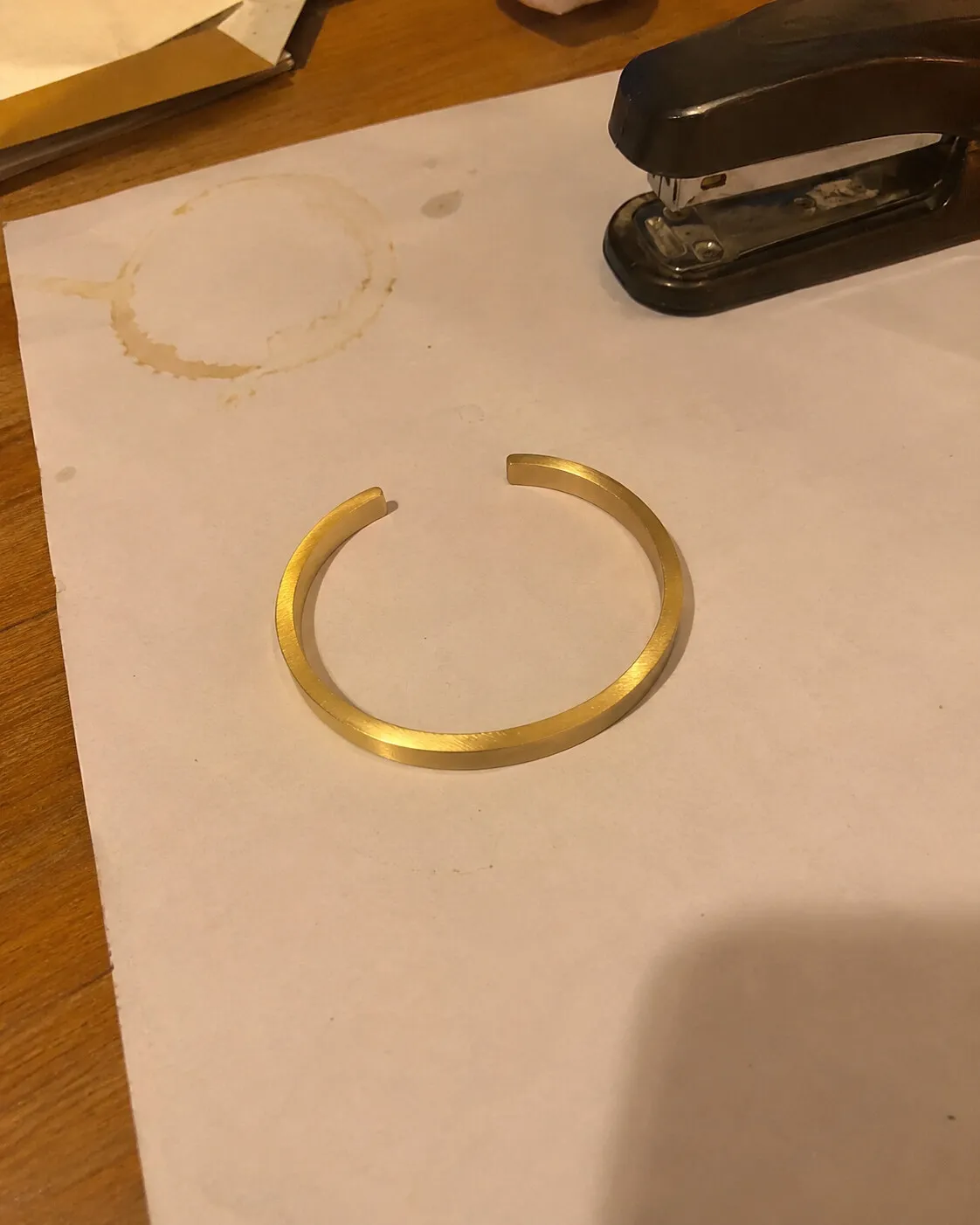
- Lay down a plain matte surface: a sheet of paper, a light grey card or a linen napkin.
- Prop a white card or paper on the side away from the window to bounce light back into the shadows.
- Wipe the piece with a microfiber cloth.
- Hold the phone steady, or rest it on a stack of books, and tap and hold on the piece to lock focus.
Angles by piece
| Piece | Shot that sells | Watch out for |
|---|---|---|
| Ring | Standing upright, slightly from above | Blur: step back and crop instead |
| Earrings | Both earrings side by side, fronts facing you | Posts pointing at the camera |
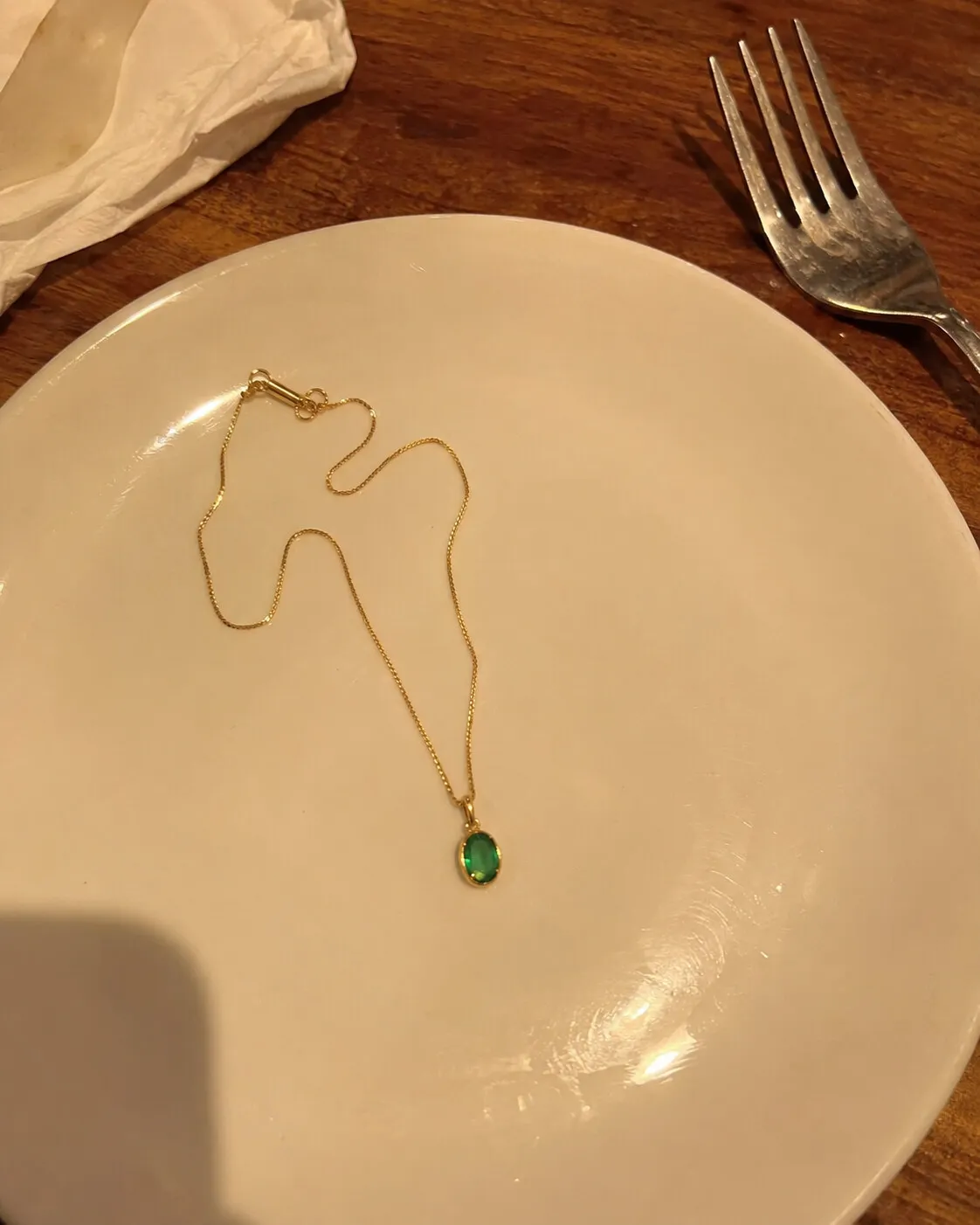
| Necklace | Laid in a soft curve or a V | Tangled chains and twisted pendants |
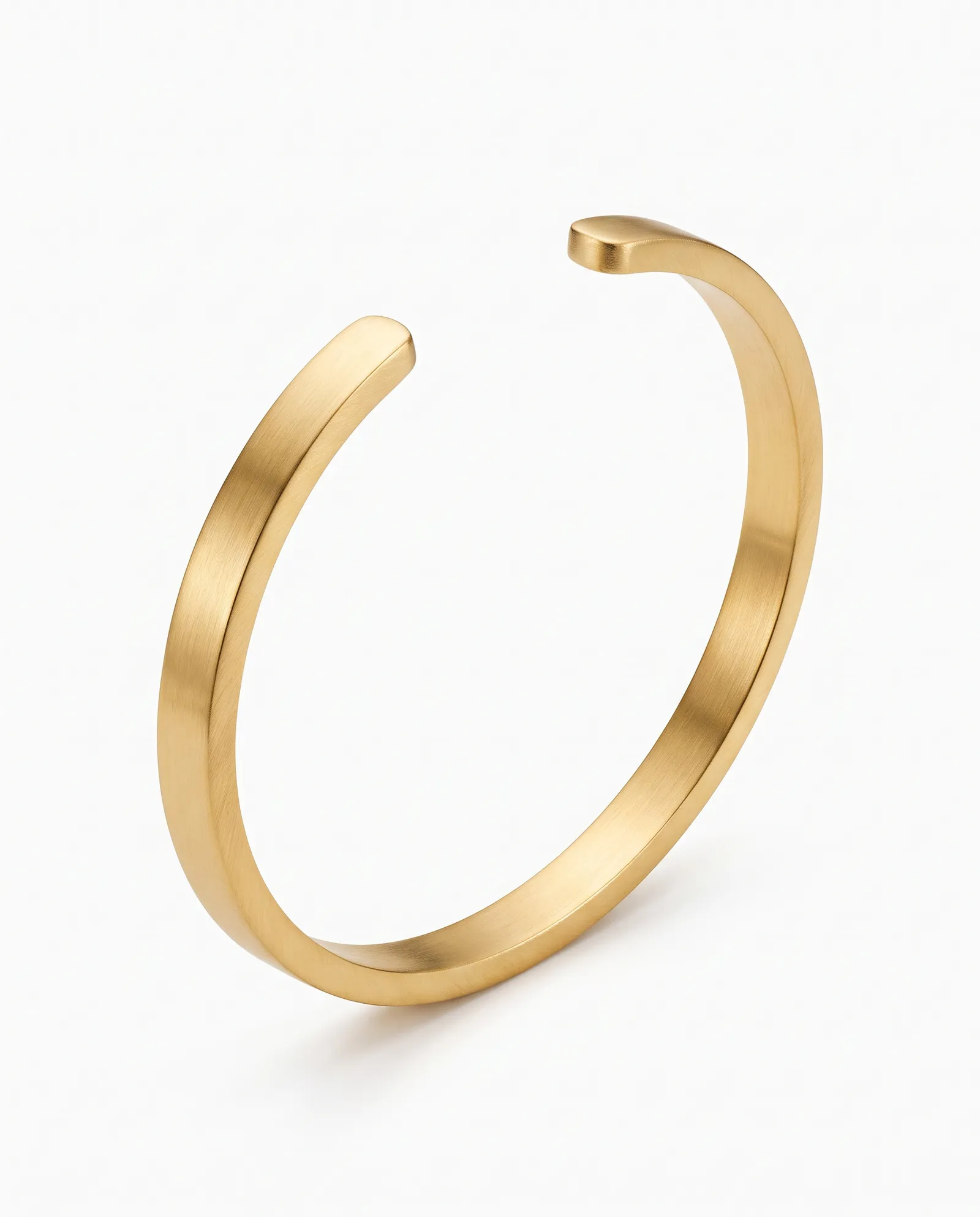
| Bracelet | In a circle, clasp hidden or at the back | Reflections of your phone |
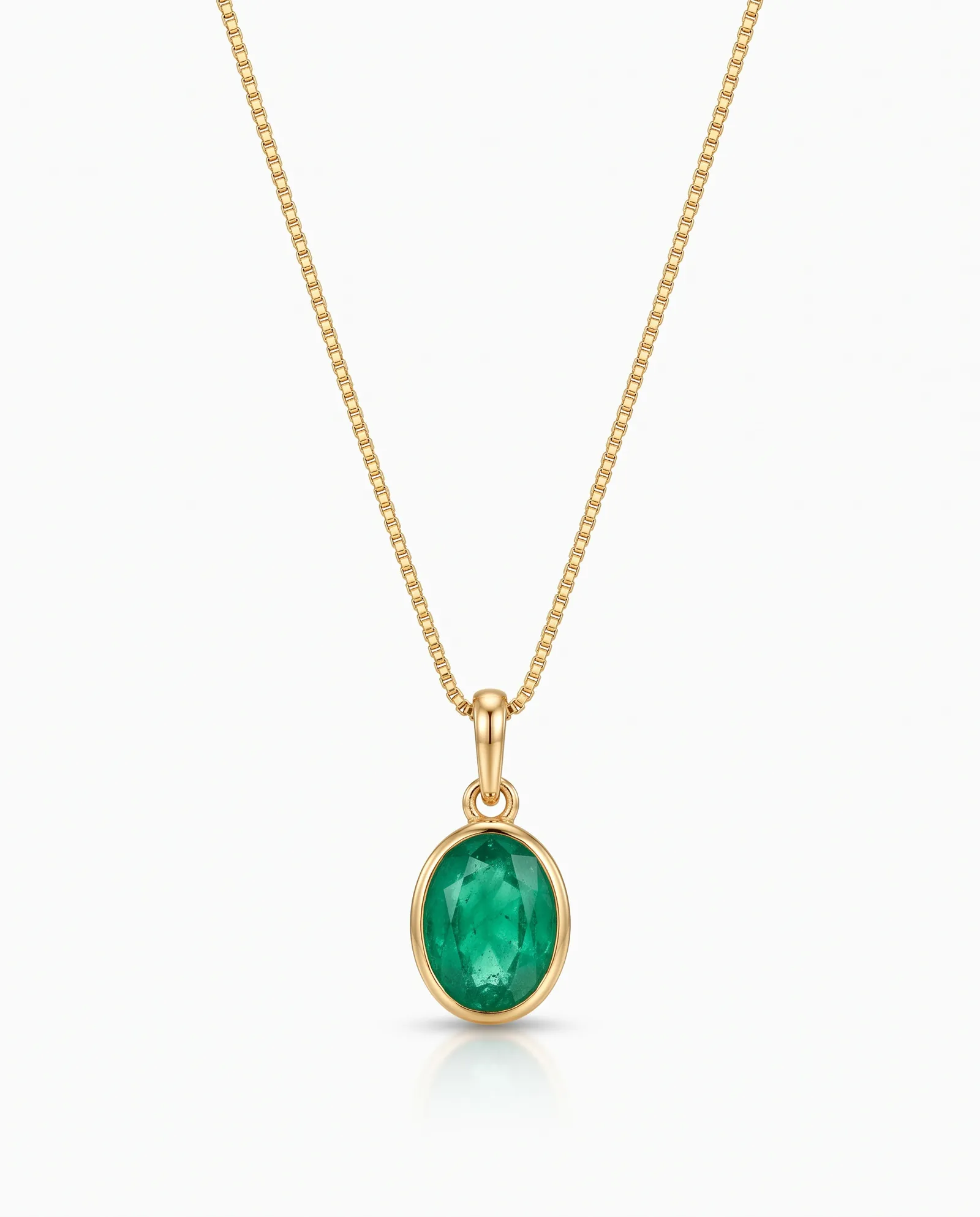
| Pendant | Pendant centered, chain leading out of frame | The bail twisted sideways |
From a good phone photo to a studio image
A clean phone photo is often enough for a second or third listing image. For a polished main image or a styled scene, upload it to KaratPhoto and choose a Look. The more of the piece your photo shows, the closer the result.
Last updated
Questions sellers ask
Why are my jewelry photos always blurry?
Usually the phone is too close to focus. Move back until the piece is sharp, then crop. Tap on the piece to focus and hold still.
What background is best for jewelry photos?
A plain, matte, light surface for your main image. Light grey works for most metals and doesn't shift their color the way some wood does.
Do I need a lightbox?
No. A window and a white card do the same job for most pieces.
Photograph one piece today
Upload a phone photo to KaratPhoto, studio photography for modern jewelry, pick a Look, and download images checked against your original. See pricing.